















Blockader
- Developer
- ZapGames
- Load Speed
- Not specified
- Release Date
- Sep 23, 2026
- Added Site
- Oct 17, 2026
- Play Mode
- Single Player
- Local Players
- 1 Player
- Controls
- Keyboard & Mouse, Touch Controls
- Perspective
- Top-Down
What Is Blockader?
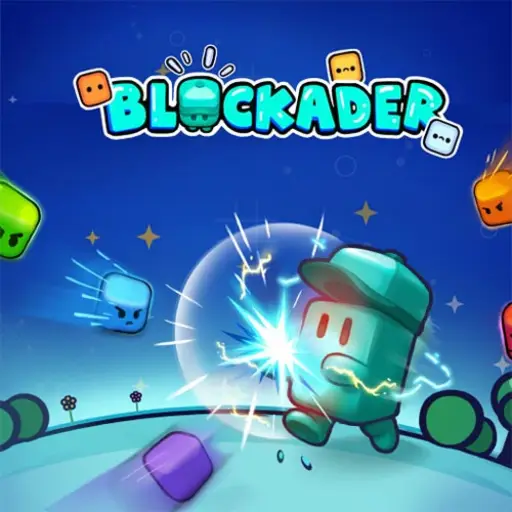
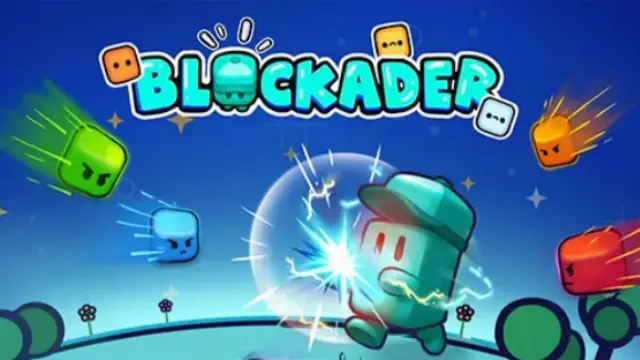
Blockader is a top-down 2D survival shooter by ZapGames, set in a small circular arena with a blocky space theme. Enemies close in from several directions while your weapons attack automatically. Your main job is to keep an escape route open and turn each wave's rewards into a build that can survive the next.
It is a roguelite built around changing upgrade choices, not manual gun aiming. A run can develop around extra projectiles, lightning, poison or allied attacks, with movement and health upgrades helping you stay alive long enough to use them.
Game Screenshots
How to Play Blockader
Move While Your Weapons Work
Use the arena's open spaces to keep distance from approaching creatures. Automatic attacks handle nearby targets, but they cannot choose a safe route for you. Watch both the crowd and incoming shots: ranged enemies can threaten a gap that looks clear of close-range attackers.
Clear a Wave, Choose a Direction
Defeating enemies advances the wave and leads to an upgrade choice. Movement, Health, Ammo and other cards change how your character handles the next encounter. Additional attack effects can broaden your coverage, but a scattered set of bonuses is not always as useful as several that support the same plan.
Reroll with a Reason
When a reroll is available, it replaces the current card choices. First check whether a card fixes your immediate problem: more damage if enemies linger too long, or mobility and durability if you cannot get through a wave safely. Reroll when the offered options do not help, rather than rejecting every ordinary-looking card.
Game Controls
Attacks are automatic during combat. These desktop controls handle movement, upgrade choices and menus; use the numbered shortcut displayed on each card.
- W A S D or ↑ ← ↓ →: move
- Number Keys: select the upgrade with the matching card label
- ␣ Space: reroll upgrade choices when available
- Tab: show or hide statistics
- Esc: pause
- Move Mouse: point to menu options
- Left Click: select an option or upgrade
On phones and tablets, use the on-screen movement controls and tap an upgrade to select it.
Blockader Survival Tips
- Turn before the gap closes. A small arena gives you little room to recover once enemies surround you. Move toward open ground while there is still a route through.
- Read the space beyond the nearest enemy. A swarm is easy to notice; a projectile crossing your next path is easier to miss. Check both before committing to a dodge.
- Do not chase a pickup into a crowd. Circle back when your attacks have cleared room, instead of trading health for a resource you cannot safely reach.
- Build around a useful combination. Improve attacks that are already helping rather than collecting unrelated effects just because they look unusual.
- Spend a wave fixing your weakest point. If your damage is adequate but you keep taking contact hits, a movement or health card can be more useful than another attack bonus.
Frequently Asked Questions
What progress can I keep between runs?
Run upgrades and long-term progression are separate. Stars support permanent Gear improvements in Offense, Defense and Utility, along with character skill trees. Use those menus between attempts to strengthen future starts rather than expecting every card from the previous run to remain.
Can I play Blockader with a friend?
Blockader's survival mode is single-player, with one person controlling the character against computer-controlled enemies. It is not a local co-op or online team match.
Do I need an app or a keyboard to play on my phone?
No app is required for browser play. The mobile controls provide on-screen movement and tap-to-select upgrades, so a physical keyboard is not required on a supported phone or tablet.
What should I do if the game won't load, lags, shows a blank screen, or won't start?
Try one of these four steps:
- Clear your browser cache, then reload the game.
- Open the game in an incognito or private browsing window.
- Try a different browser, such as Microsoft Edge or Google Chrome.
- On the game cover, click Primary in the top-right corner and select a different game source, if available.
What should I do if matchmaking stays on "Connecting" or the loading circle keeps spinning?
Matchmaking can take longer when fewer players are online or when servers are busy. A persistent "Connecting" message can also indicate a connection or server issue. Try these options:
- Recommended: on the game cover, use the source selector in the top-right corner (usually labeled Primary) to try another available game source. This may help if the current source is having connection issues, but different sources may share the same matchmaking servers. If no other source is available, try the options below.
- Browse Similar Games on this site and try a similar game while you wait.
- Choose a Single Player game that does not require matchmaking. PvE games may also be suitable, but check that they support solo play: a PvE tag alone does not guarantee single-player or offline play.



Leave a Comment
Comments (0)