















Ragdoll Arena
- Developer
- ZapGames
- Load Speed
- Not specified
- Release Date
- 2026
- Added Site
- Oct 10, 2026
- Play Mode
- Single Player
- Local Players
- 1 Player
- Controls
- Keyboard & Mouse
What Is Ragdoll Arena?
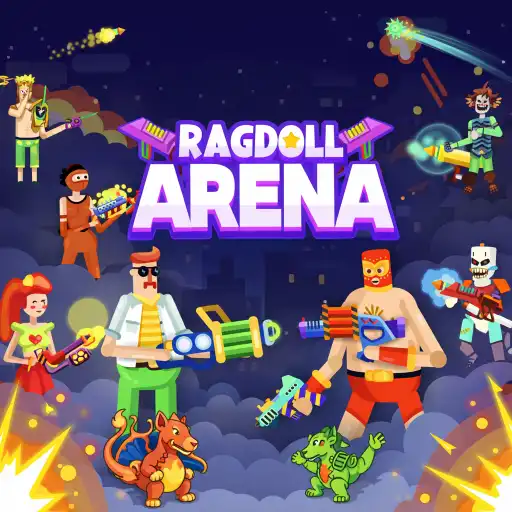
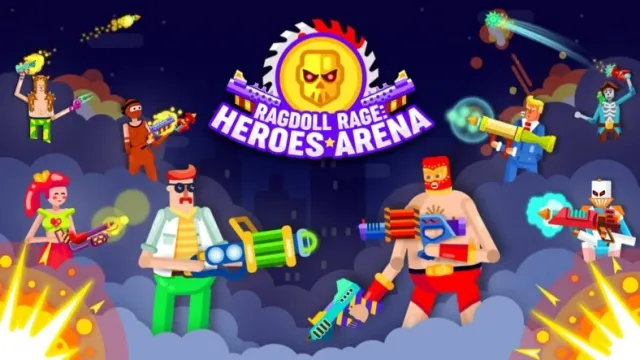
Ragdoll Arena is a colorful side-view shooter built around loose, physics-driven movement. Your fighter can wobble, tumble and react to gunfire, so a good position matters as much as a well-timed shot. The arena itself is part of the threat: platforms give you routes to weapons, but dangerous obstacles can punish a poor landing.
The browser build starts with a solo tutorial before the arena progression. Its short duels center on keeping your fighter alive and eliminating the opponent. Victories provide currency for equipment upgrades and further challenges.
Game Screenshots
Weapons, Movement and Upgrades
Get Armed Before Committing to a Fight
In the opening tutorial, a floating weapon sits above a platform. Move toward it and jump up to collect it; approaching the pickup equips the gun without a separate pickup key. Follow the weapon's aiming line and click to attack. Keep an eye on both health bars so you can judge whether to continue attacking or change position.
Plan Where You Will Land
Jumping is useful for reaching equipment and crossing the arena, but the character does not move like a rigid platform-game hero. Momentum and impacts can change your landing. Look at the space beneath and above you before leaving a platform, especially around spikes or other hazards. Repositioning is valuable only if it puts you somewhere safer or gives you a useful attack angle.
Spend Rewards Between Fights
The progression offers weapon, shield and bonus upgrades, alongside hero unlocks. Choose improvements that address the difficulty you are actually having: offensive options help with dealing damage, while defenses can make survival easier. Do not mistake these equipment upgrades for purely cosmetic skins, and check the current menu before assuming how a particular hero changes your fighter.
Game Controls
The opening desktop tutorial uses these controls:
- W A S D: move
- ␣ Space: jump
- Move Mouse: direct your weapon's aim
- Left Click: attack or shoot
Use the prompts shown by the current build for any additional actions. These controls do not establish a second player's bindings or a mobile touch layout.
Make the Physics Work for You
- Reach the first weapon deliberately. In the tutorial it is above a crate, so combine movement with a jump instead of repeatedly attacking while unarmed.
- Check the landing area before jumping. A route that gets you closer to a weapon is not useful if the landing carries you into a hazard. Prefer a stable platform over an unnecessarily risky leap.
- Keep room to recover after an impact. Avoid fighting immediately beside a dangerous edge or obstacle when a safer position offers a similar attack angle.
- Watch the aiming line, not just the opponent. The fighter's posture can change while moving. Confirm where the weapon is pointing before committing to another attack.
- Upgrade for the problem that ends your runs. Consider defensive improvements when you are losing health too quickly, rather than spending every reward on more damage.
Frequently Asked Questions
Is this the same game as Ragdoll Arena 2 Player?
No. This page covers the ZapGames-branded physics shooter. Ragdoll Arena 2 Player is a separate collection of competitive minigames with a different objective and control scheme. Its two-player controls should not be applied to this game.
Can I play against a friend on the same device or online?
The inspected browser build starts with a one-player tutorial. Listings disagree about later multiplayer features, and a working local or online friend mode has not been confirmed for this version. Do not assume that two fighters or a VS display means a second human can join; check the current game menu before planning a multiplayer session.
Should I use a phone or a computer for this version?
Some publisher listings include phones and tablets, but the inspected tutorial shows keyboard-and-mouse prompts. A computer is the clearest choice for those controls. On a phone, first check whether your loaded version provides a usable touch layout; this page does not promise an identical mobile interface.
What should I do if the game won't load, lags, shows a blank screen, or won't start?
Try one of these four steps:
- Clear your browser cache, then reload the game.
- Open the game in an incognito or private browsing window.
- Try a different browser, such as Microsoft Edge or Google Chrome.
- On the game cover, click Primary in the top-right corner and select a different game source, if available.
What should I do if matchmaking stays on "Connecting" or the loading circle keeps spinning?
Matchmaking can take longer when fewer players are online or when servers are busy. A persistent "Connecting" message can also indicate a connection or server issue. Try these options:
- Recommended: on the game cover, use the source selector in the top-right corner (usually labeled Primary) to try another available game source. This may help if the current source is having connection issues, but different sources may share the same matchmaking servers. If no other source is available, try the options below.
- Browse Similar Games on this site and try a similar game while you wait.
- Choose a Single Player game that does not require matchmaking. PvE games may also be suitable, but check that they support solo play: a PvE tag alone does not guarantee single-player or offline play.





Comments (0)