
















Retakes.io
- Developer
- Era54
- Load Speed
- Fast (0–60 sec)
- Release Date
- Not specified
- Added Site
- Oct 3, 2026
- Play Mode
- Online Multiplayer
- Local Players
- 1 Player
- Controls
- Keyboard & Mouse, Touch Controls
- Perspective
- First-Person
What Is Retakes.io?
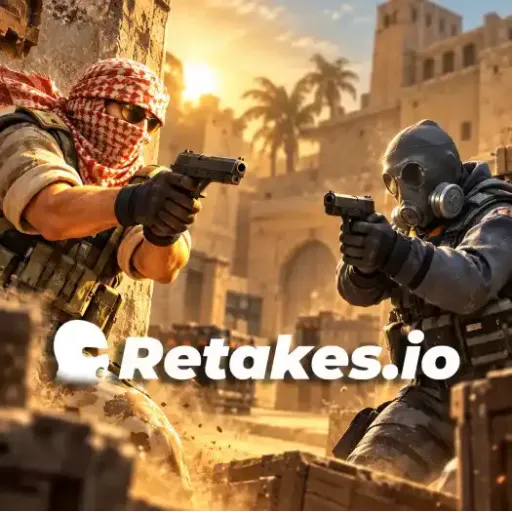
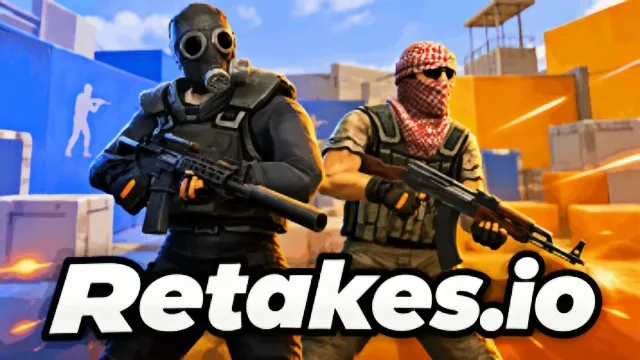
Retakes.io is a multiplayer tactical shooter built around short gunfights and decisive positions. Its signature mode puts the bomb already in play: one team protects the site while the other must take it back and defuse.
Game Screenshots
Choose the Right Fight for the Mode
Retakes and Casual
Retakes starts at the planted-bomb stage. Clear the approaches with teammates and leave enough time to interact with the objective. Casual uses successive team rounds around bomb objectives.
Practice Modes
Deathmatch provides repeated fights with regular respawns. Arms Race makes you adapt as your weapon changes through the match.
Rifles, submachine guns and sniper rifles suit different sightlines. Cover, recoil control and audible footsteps can affect whether you reach the next angle safely.
Game Controls
- W A S D or arrow keys: move
- Move Mouse: look and aim
- Left Click: fire
- Right Click: zoom
- Space: jump
- C: crouch
- R: reload
- Scroll Wheel: switch weapons
- E: use, plant or defuse
Check the current game's binding menu for additional commands.
Retake Tips
- Keep the objective timer in mind. Winning a duel too late may still leave no time to defuse.
- Clear one angle at a time. Use cover so several opponents cannot see you at once.
- Listen before entering. Footsteps can reveal that the next corner is occupied.
- Retake with overlapping support. Teammates entering from complementary angles can cover a defender's response.
Frequently Asked Questions
Is Retakes.io the same as a downloadable game named RETAKE?
No. This page covers the browser game at retakes.io. Similar names on other stores should not be treated as versions of this game.
Can I use touch controls?
Compatible devices can use touch controls, but memory and browser performance affect the experience. Use the current on-screen controls rather than the desktop key list.
What should I do if the game view stops responding?
First return focus to the game area. If it remains frozen, reload the page and close other resource-heavy tabs; an online match also requires a working network connection.





Comments (0)